Recommended Preferences for Med Sync
This topic is part of the Med Sync section that is intended for independent pharmacies only. This topic is not applicable to Rexall pharmacies.
When using the Med Sync program, there are recommendations for the following:
-
Programs the patient is enrolled in
-
Pharmacy preferences
Program Enrollment
When a patient decides to have their medications synchronized and they are set up on the Med Sync program, it is important to ensure the patient is not enrolled in the following programs.
-
Auto Refill - a service where a patient can have their prescriptions automatically refilled, but does not synchronize medications. If the patient is also enrolled in this program, the prescription will be refilled twice.
-
Refill Reminder - a service where a patient is notified via IVR that their medication is due to be refilled. Med Sync uses it's own system to perform these calls.
To learn more about removing a patient from these programs, see Patient Enrollment in Auto Refill.
Pharmacy Preferences
While it is not mandatory, when you pharmacy first becomes activated with Med Sync, it is recommended that a few pharmacy preferences are set until you become more familiarized with the Med Sync program.
Use the dropdowns below to learn more about the different pharmacy preferences.
 Background IVR, Auto Refill, Web Refill Preference
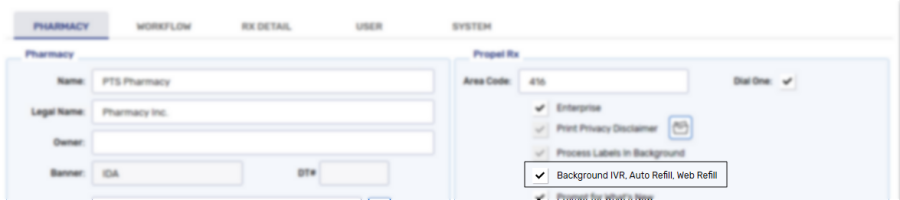
With the activation of the Med Sync program, it is recommended to have the Background IVR, Auto Refill, Web Refill preference turned OFF. By turning off this preference, all refill prescriptions processed through the Med Sync program will display in the Data Entry queue and allow your pharmacy team to review the prescription prior to dispensing.
Once your pharmacy team is more comfortable with the Med Sync program, this preference can be turned ON.
This preference can be found by selecting  > Pharmacy.
Display Profile on Refill Preference
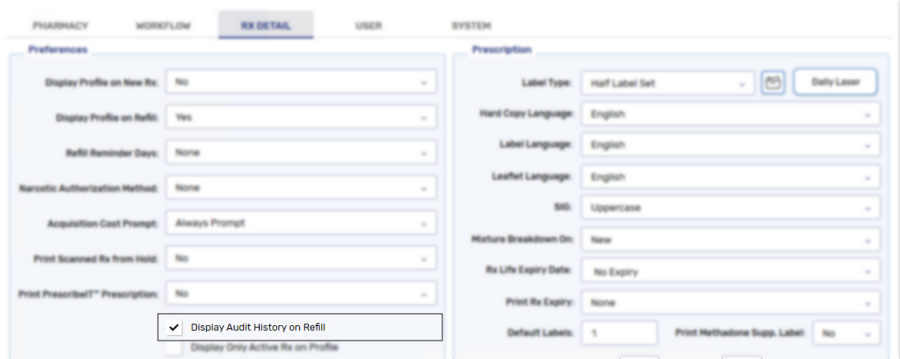
With the activation of the Med Sync program, it is recommended to have the Display Profile on Refill preference turned ON. By turning ON this preference, when a prescription is refilled, the patient's Profile is opened to determine if any other prescription can be refilled and synchronized.
Once your pharmacy team is more comfortable with the Med Sync program, this preference can be modified.
This preference can be found by selecting > Pharmacy > Rx Detail.

Display Audit History on Refill Preference
With the activation of the Med Sync program, it is recommended to have the Display Audit History on Refill preference turned ON. By turning ON this preference, when a prescription is refilled, the prescription's Audit History is opened to review the information before processing.
Once your pharmacy team is more comfortable with the Med Sync program, this preference can turned OFF.
This preference can be found by selecting > Pharmacy > Rx Detail.